As the professional landscape evolves, hybrid working has become the norm for many. This model, blending remote and in-office work, demands a workspace that supports productivity, comfort, and efficiency. A well-organized workspace is crucial for maintaining focus and seamlessly transitioning between home and office environments. In this guide, we’ll explore how to set up your workspace for hybrid working, offering practical tips and insights to enhance your work experience.
Quick Tips for an Immediate Workspace Upgrade
Enhancing your workspace doesn’t have to be a long process. Here are a few quick tips to get started:
Essential Items for a Hybrid Workspace
- Adjustable desk and ergonomic chair
- High-quality monitor and laptop stand
- Reliable internet connection and router
- Multi-port USB hub for device connectivity
- Stationery and organizational tools
- Plants or personal decor for a calming atmosphere
- Whiteboard or corkboard for visual planning
Ergonomics: Designing a Comfortable Workspace
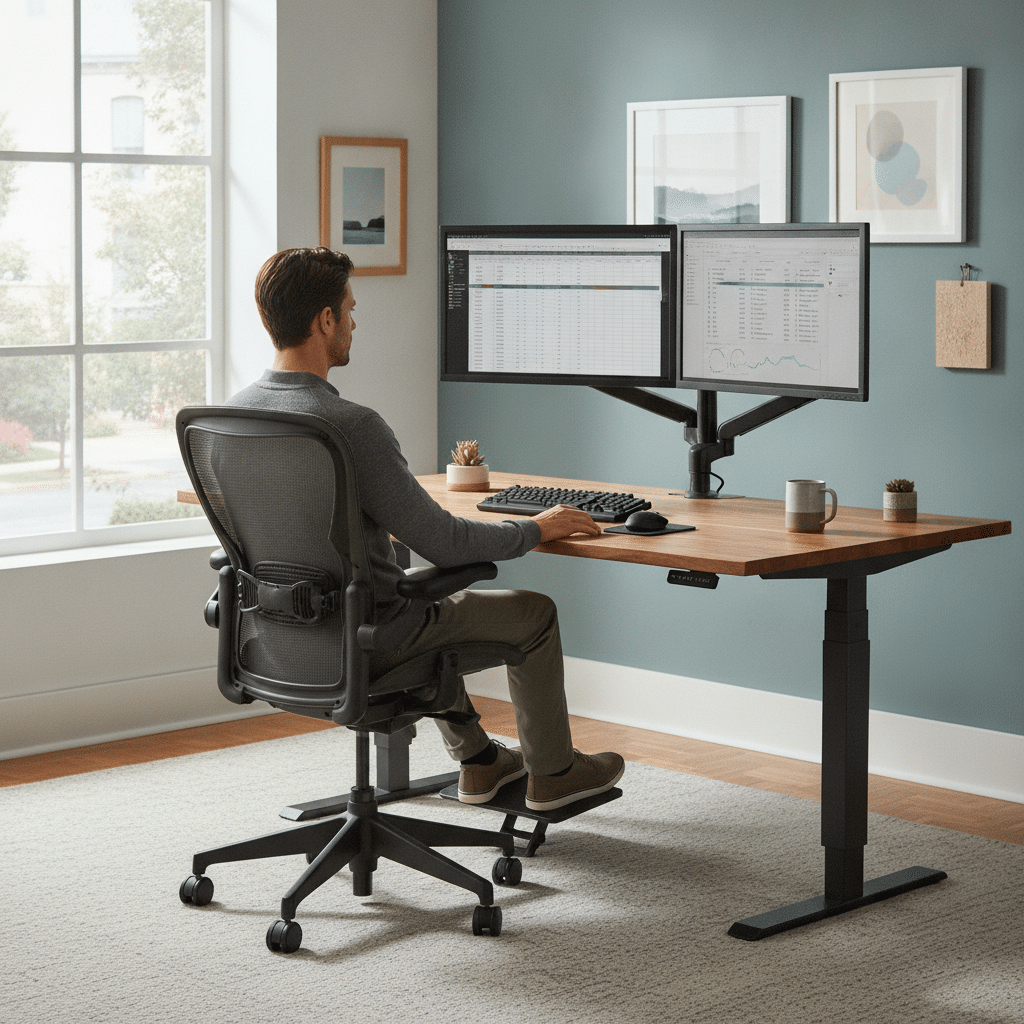
Ergonomics is key to maintaining health and productivity. Start with an adjustable chair that supports the natural curve of your spine. Your feet should rest flat on the ground, and your knees should be at a 90-degree angle. An adjustable desk can help you switch between sitting and standing, reducing strain on your back.
Position your monitor at eye level, about an arm’s length away, to prevent neck strain. Consider using a laptop stand if you’re working from a laptop. Ergonomic keyboards and mice can also reduce the risk of repetitive strain injuries. Prioritizing ergonomics in your workspace setup will help you work more comfortably and efficiently.


Viking Malaga Executive Chair Basic Tilt Bonded leather Fixed Armrest Height-Adjustable Seat Black 120 kg

Viking Realspace Electronically Height Adjustable Sit Stand Desk Rectangular White 1,600 (W) x 800 (D) x 1,300 (H) mm Melamine, Steel

Viking Basic Mobile Pedestal 3 Drawers Lockable Top Drawer 410 x 500 x 522 mm Beech

Pierre Henry Maxi Steel Filing Cabinet with 2 Lockable Drawers 400 x 400 x 660 mm Silver, White

Viking Realspace Regular Door Cupboard Steel 4 Shelves Lockable 920 x 420 x 1,950 mm Silver
Technology Setup: Ensuring Seamless Connectivity
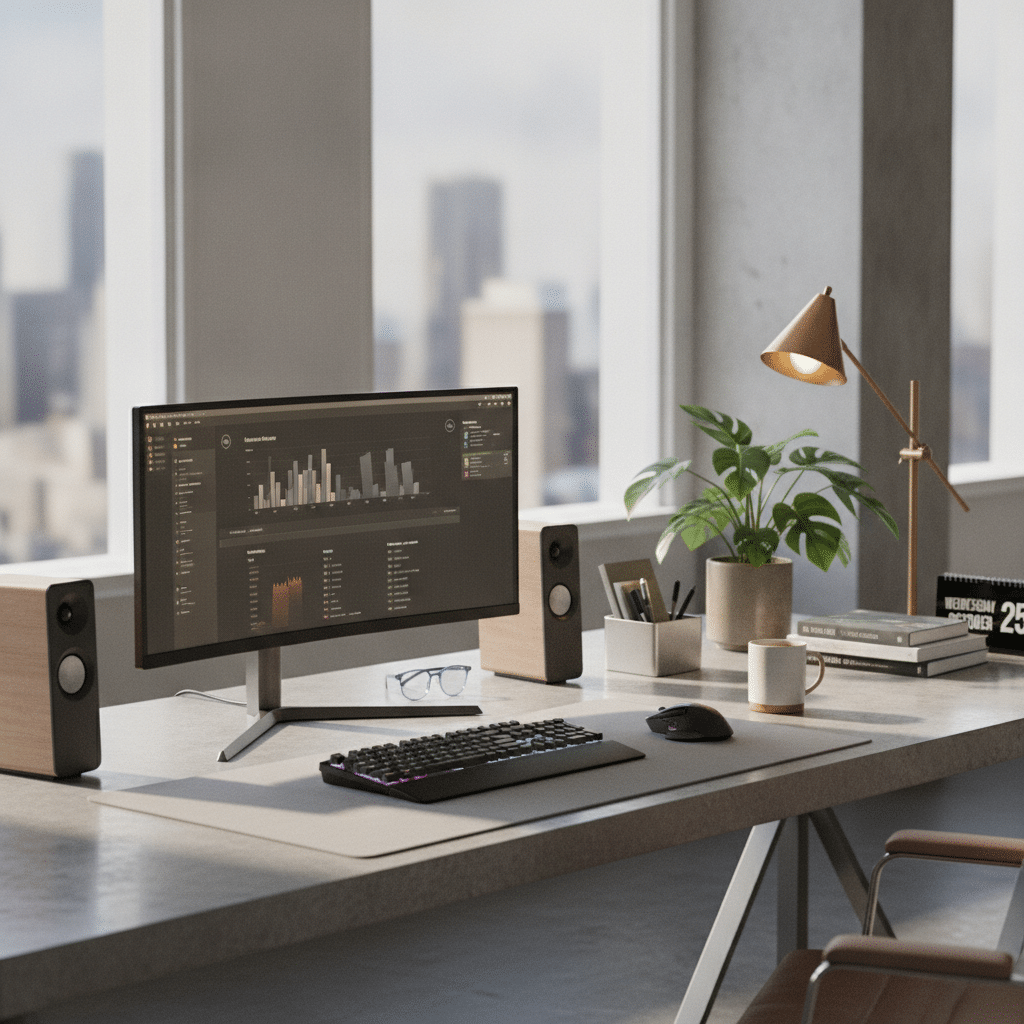
A robust technology setup is essential for hybrid working. Invest in a high-quality monitor to expand your digital workspace and reduce eye strain. For more information, check out these workspace setup tips. A reliable internet connection is crucial; consider upgrading your router or using a wired connection for stability.
Ensure you have all necessary peripherals, such as a webcam and microphone, for virtual meetings. Using a multi-port USB hub can help manage multiple devices. Regularly update your software and security systems to protect your data. A well-equipped technology setup, including essential workspace tools, supports seamless transitions between home and office work environments.
Comparison Table of Home vs. Office Workspace Setups
| Aspect | Home Workspace | Office Workspace |
|---|---|---|
| Flexibility | High, customizable to personal preference | Moderate, limited by company policies |
| Ergonomics | Dependent on personal investment | Typically standardized |
| Technology | Variable, based on personal equipment | Standardized, often provided by employer |
| Distractions | Variable, dependent on home environment | Potentially fewer, more controlled environment |
| Commute | None, saves time | Varies, may impact work-life balance |
Personal Comfort: Creating a Productive Atmosphere
Personal comfort plays a significant role in productivity. Start by customizing your workspace with elements that inspire you, such as artwork or plants. These personal touches can boost your mood and creativity.
Lighting is another crucial factor; aim for a balance of natural and artificial light to reduce eye strain. Consider using a desk lamp with adjustable brightness. Temperature control is also important; ensure your workspace is well-ventilated and at a comfortable temperature. By focusing on personal comfort, you can create an environment conducive to productivity and well-being.
Key Takeaways for a Hybrid Workspace
Setting up a workspace for hybrid working involves balancing ergonomics, technology, and personal comfort. By investing in ergonomic furniture, ensuring a reliable tech setup, and personalizing your space, you can create an environment that supports productivity and well-being.
Remember to regularly assess and adjust your workspace to meet evolving needs. Whether at home or in the office, a well-organized workspace is key to navigating the hybrid work model successfully.
Frequently Asked Questions
How can I make my home workspace more ergonomic?
To enhance ergonomics at home, invest in an adjustable chair and desk. Ensure your monitor is at eye level and use a laptop stand if necessary. An ergonomic keyboard and mouse can also prevent strain. Regularly adjust your setup to maintain comfort and reduce the risk of injury.
What technology is essential for hybrid working?
Essential technology includes a high-quality monitor, reliable internet connection, and necessary peripherals like a webcam and microphone. A multi-port USB hub can help manage device connectivity. Regular software updates and security measures are also crucial to protect your data and ensure seamless operation.
How do I minimize distractions in my workspace?
Minimize distractions by organizing your workspace and removing unnecessary items. Use noise-canceling headphones to block out background noise. Set boundaries with family or roommates during work hours and schedule regular breaks to maintain focus. A clean and organized space can significantly reduce distractions.
What are some quick ways to improve my workspace?
Quick improvements include decluttering your desk, enhancing lighting, and adding personal touches like plants or artwork. Ensure your chair and desk are set to ergonomic standards. These small changes can immediately enhance comfort and productivity in your workspace.